Skip to main content
How to Place Accounts On/Off Test in the Becklar App
Contents:
All Points on Test
Select Points on Test
Removing a Test
All Points on Test:
- Once logged in, search for the account to place on test
-
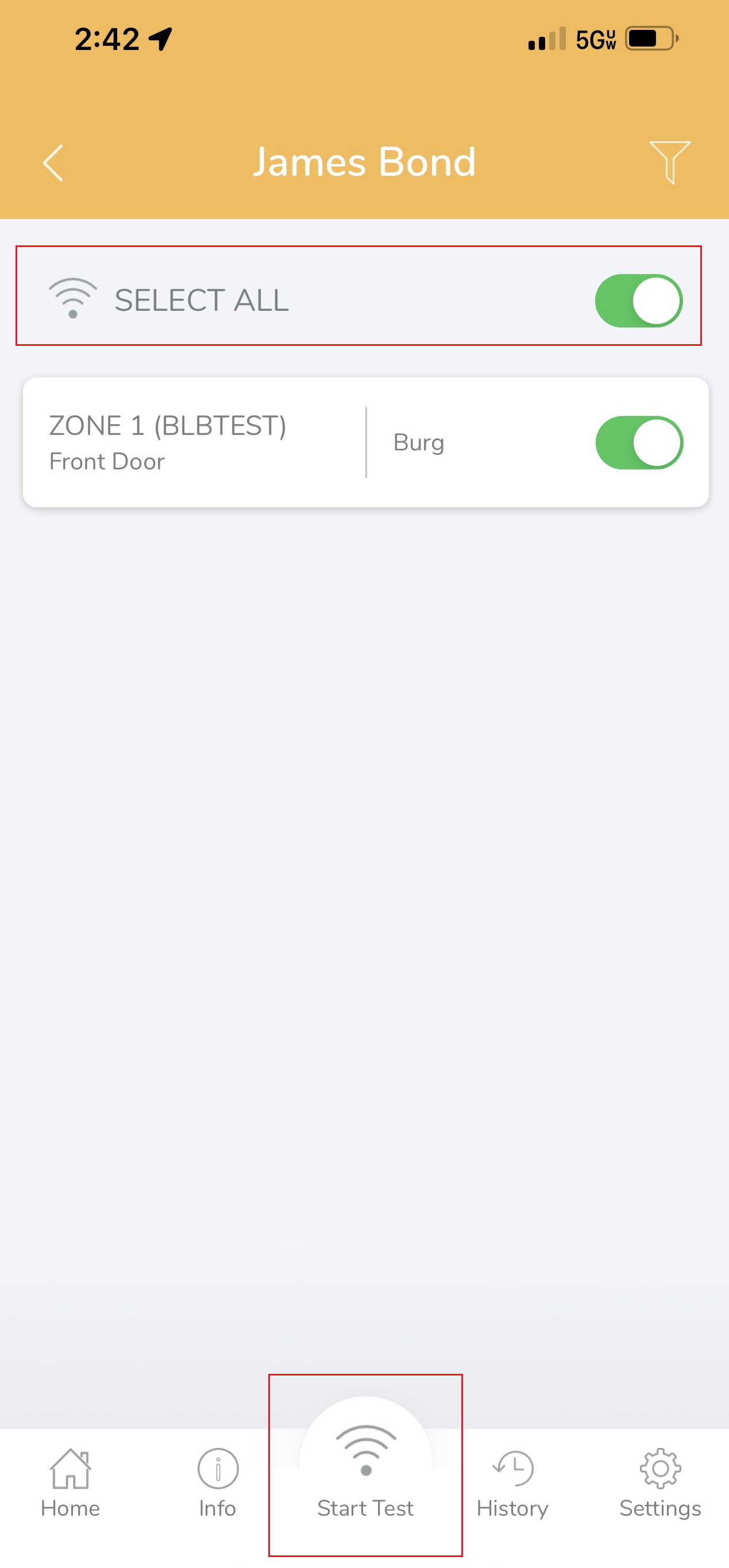
Once you access the account, toggle SELECT ALL, then press Start Test.
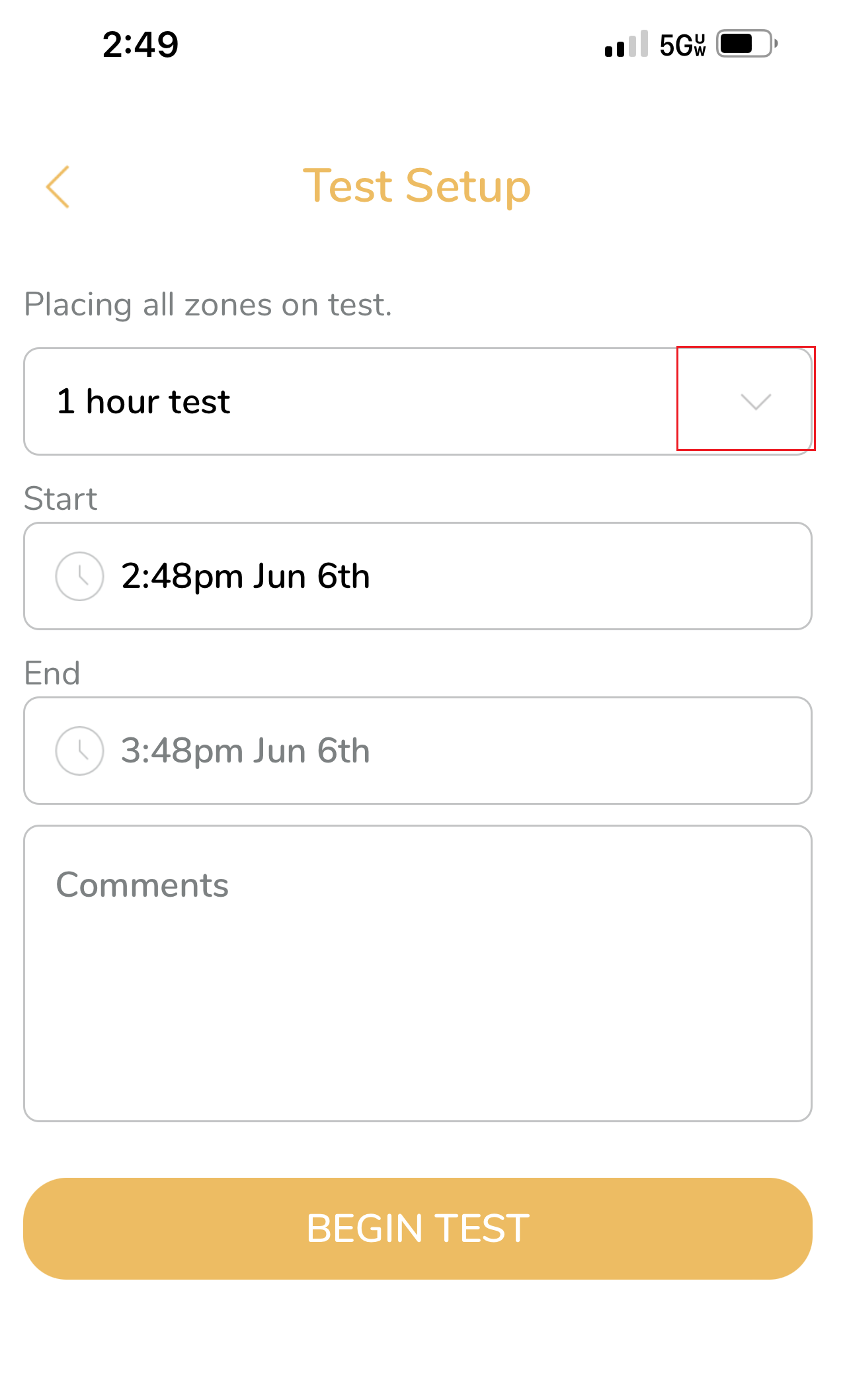
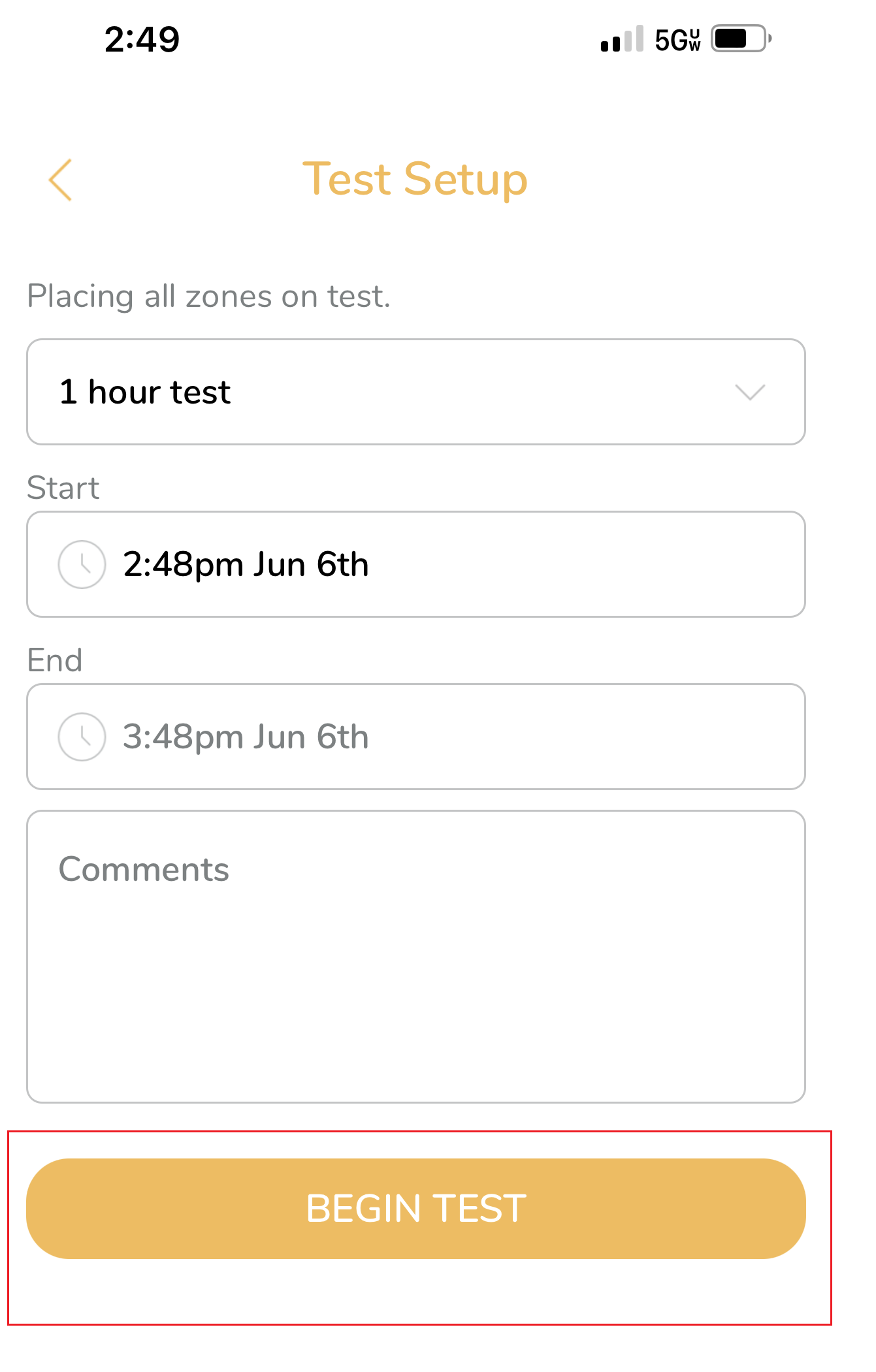
- Choose the date, time, and duration for your test.
-
Click the drop-down arrow to the left of 1 hour test to display more test time options.
-
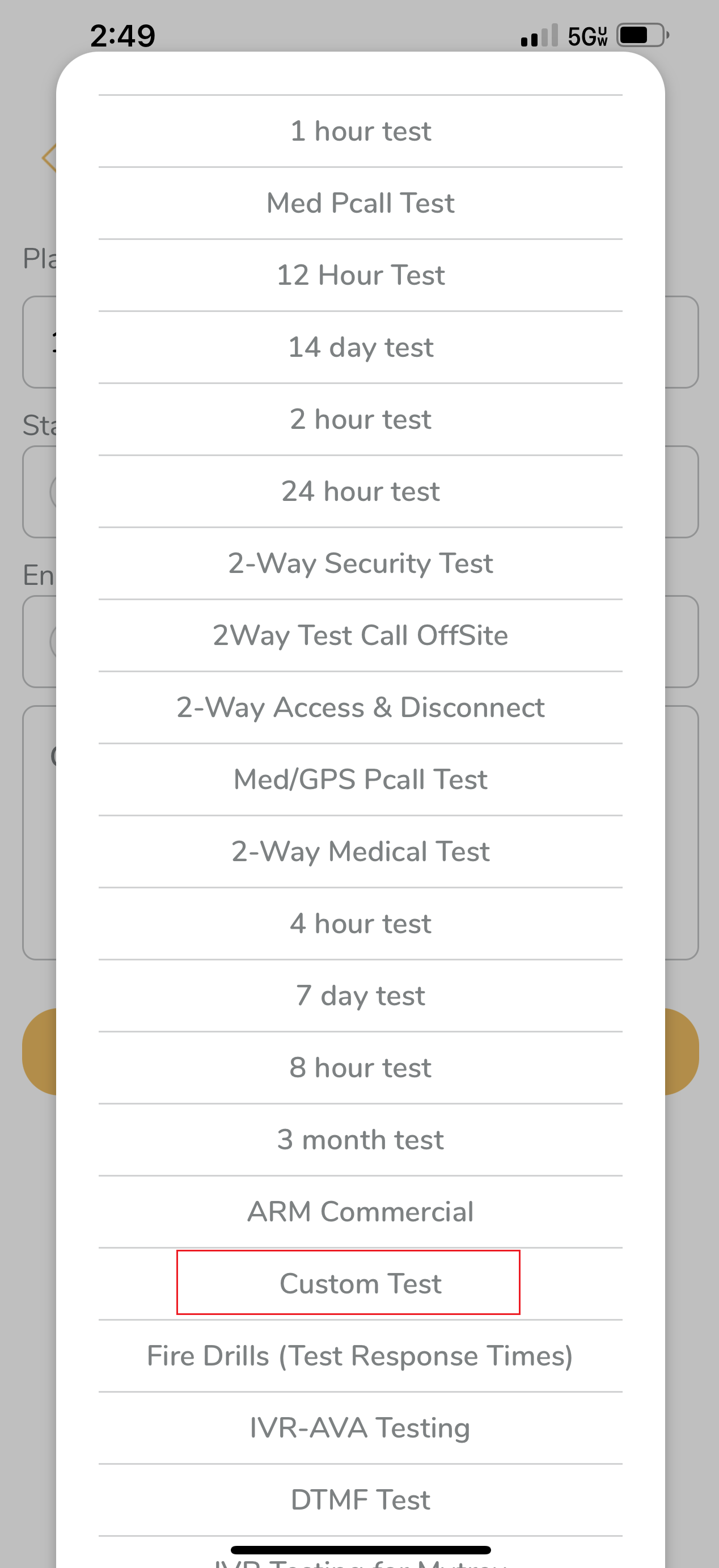
Select a default duration or Custom Test to edit the date and time.
-
Once you have your test time selected, select Begin Test.
Select Points on Test:
Back to the Top
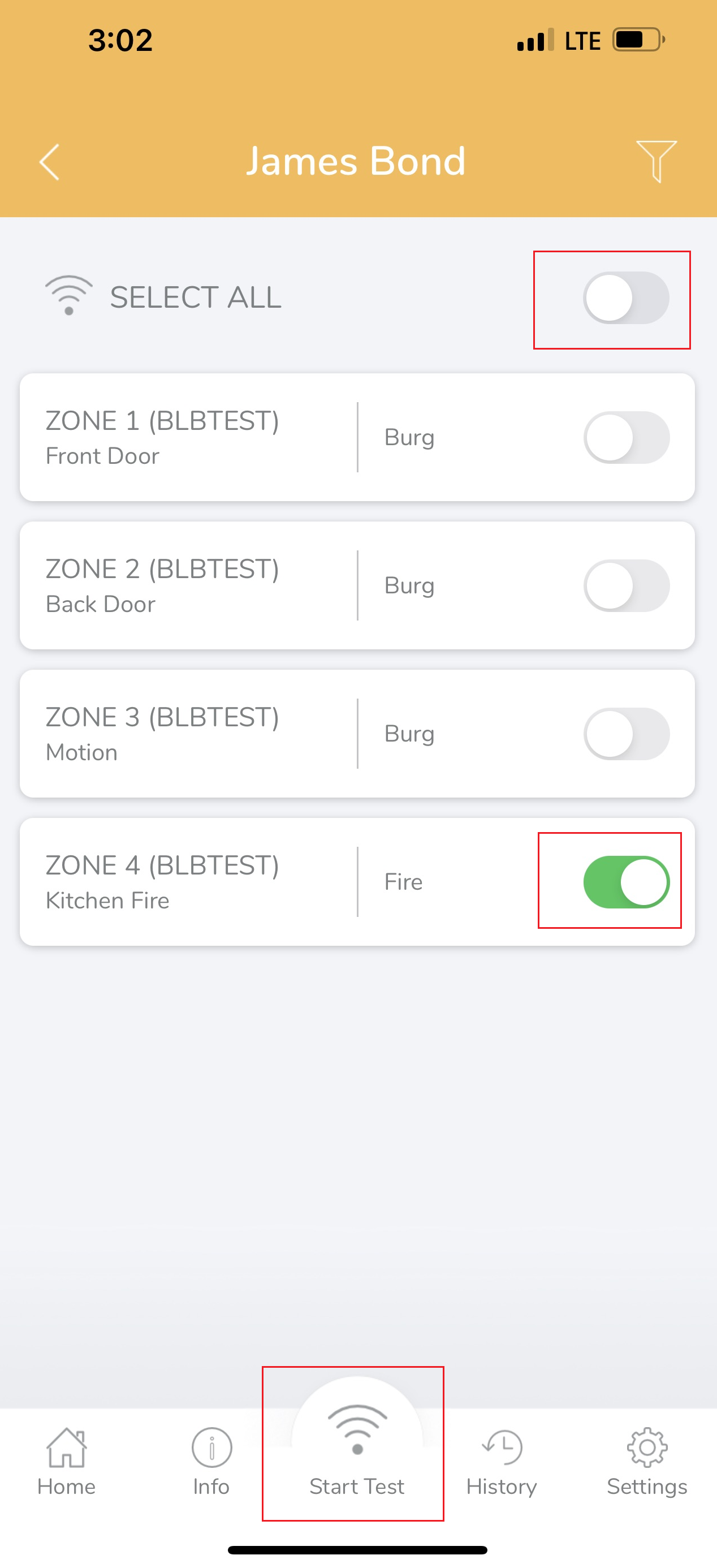
- The AG app allows you to place select points on test.
-
Toggle Select All off and then toggle the individual point(s) to put on test.
-
Select Start Test and select the test duration and then Begin Test.
Removing a Test:
Back to the Top
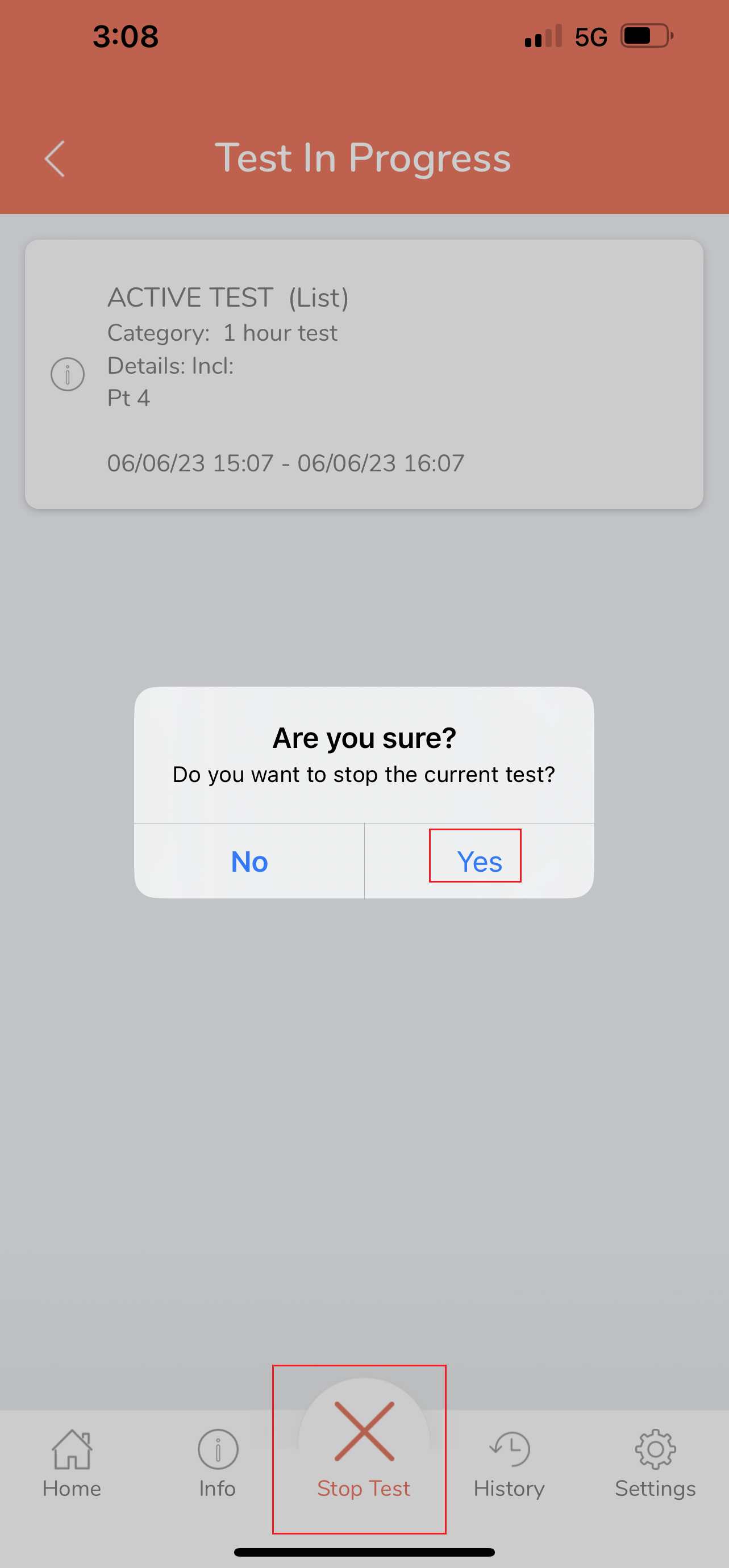
- To remove the test, select the Stop Test, and then confrim Yes.