- Log into the Monitoring Portal.
https://portal.agmonitoring.com/stagesdealer/ 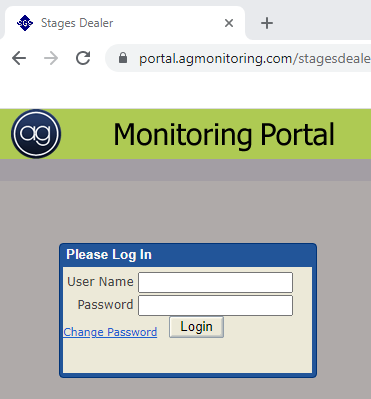
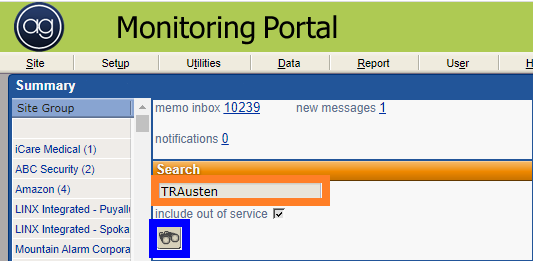
- Enter the account number in the search bar and click the binoculars to search.
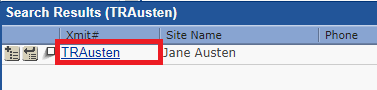
- Click on the xmit# to open the account.
- Click on the device tab
- Enter the device type.
- Enter the 'Listen in Device Type' as 2W1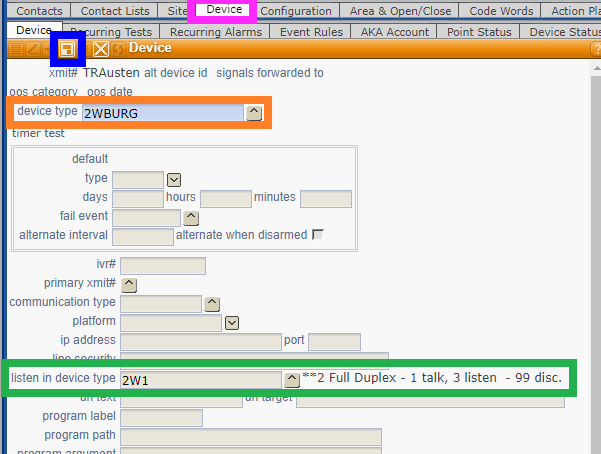
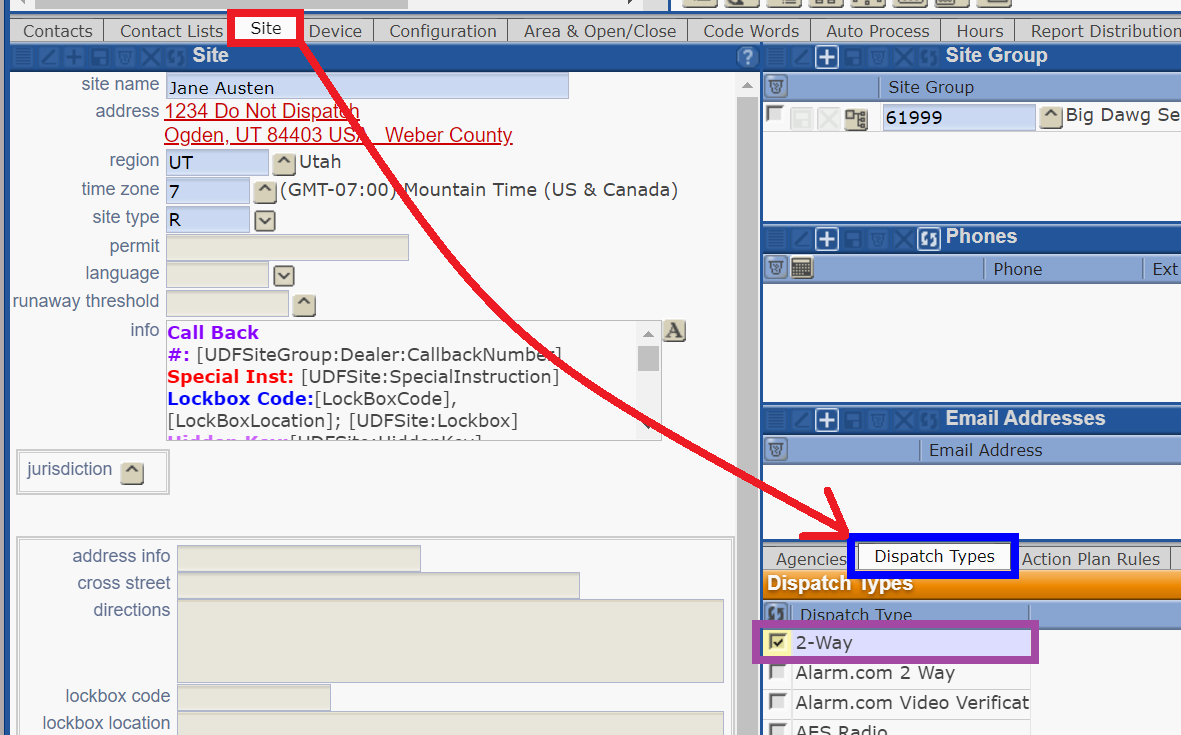
- Next, click on the 'Site' tab.
- Then select 'Dispatch Types'
- Check the the box next to '2-Way'.
- This will save automatically.